
Open the System Management  module.
The System Management window will appear.

Modules whose codes and settings can be changed in System Management appear in the toolbar along the top of the window. Global System is selected by default. Press the Litigation  button to view the codes and settings particular to Litigation.
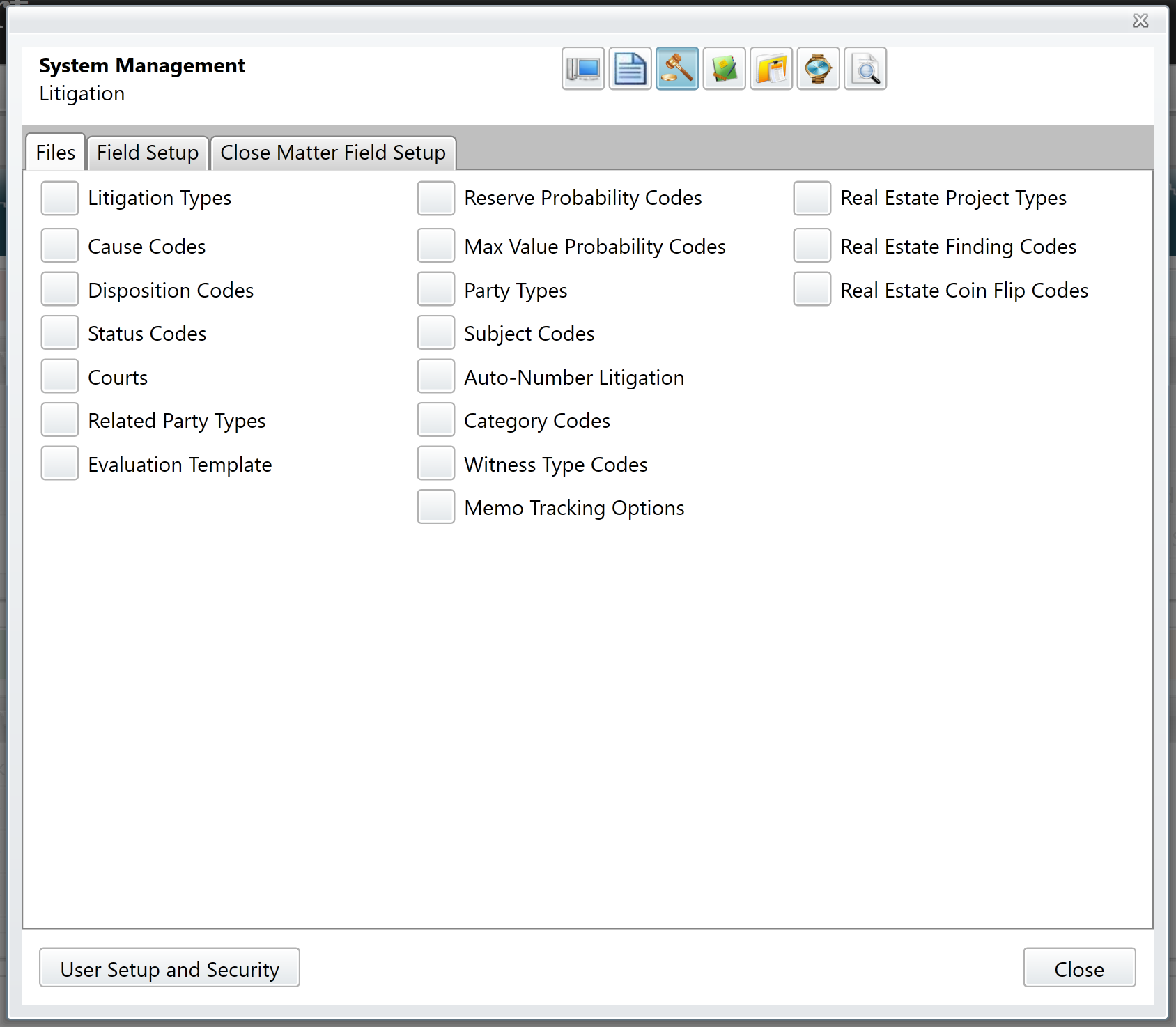
Files tab
Code maintenance for the Litigation module is performed on the Files tab. What follows are the uses and definitions of the Litigation codes.
Auto Number Litigation
Your Litigation Auto-numbering is configured at the time of installation. If for some reason auto-numbering must be changed, please contact Cycom Support.
Category
Category codes represent the types of Litigation cases on which your organization works (e.g. Bankruptcy, Real Estate, Tort, etc.). These are configured at the time of installation and should rarely change.
Cause Codes
These codes are the causes which might bring a case to your organization (e.g. Slip and Fall, City Vehicle vs. Pedestrian, etc.).
Courts
Create a Court code for every court before which your cases may be heard. This can also include Employment Mediation Boards and the like.
Disposition Codes
Create a Disposition code for every disposition on which your organization reports (e.g. Dismissed, Dismissed Non-suited, Lost, etc.).
Evaluation Template
This is a text field template which can be used to guide the user in completing an Evaluation of the case.
Litigation Types
Litigation Type codes represent your organization's position on Litigation cases.
Max Value Probability
These codes represent the likelihood of the maximum value amount being paid on the Litigation case.
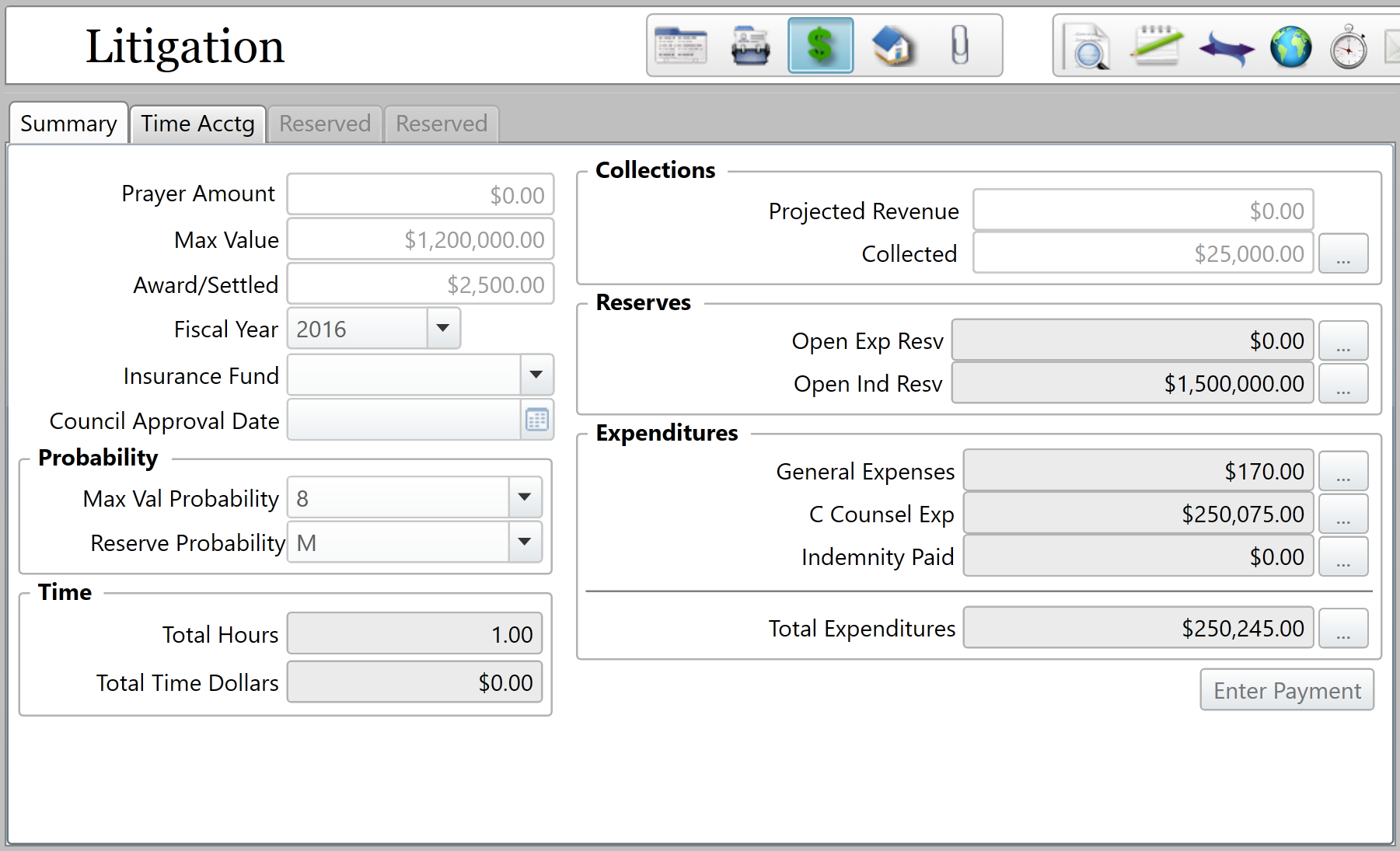
Note: This field label is customizable, therefore it may have a different name in your installation of CityLaw/CountyLaw. It is located in the Probability section of the Finance tab on a Litigation case.
Memo Tracking Options
The Memo Tracking Options provide audit tracking options for changes to any of the specified memo fields. Changes can be viewed in the Audit Log.
Party Types
Party Type codes represent the different Litigation party types (e.g. Defendant, Plaintiff, Petitioner, etc.).
Related Party Types
These are the types of related party roles (e.g. Attorney representing Claimant, Doctor, etc.).
Reserve Probability Codes
These codes describe the likelihood that a Litigation case's reserves will be spent (e.g. Likely, Highly likely, etc.).
Status Codes
These codes describe the various states of a Litigation case (e.g. Open, Closed, On Appeal, etc.).
Witness Types
Some common examples of witness types are "Expert Witness", "Employee Witness", and "Other".
Comments
0 comments
Please sign in to leave a comment.