
Open the System Management  module.
The System Management window will appear.

Modules whose codes and settings can be changed in System Management appear in the toolbar along the top of the window. Global System is selected by default. Press the Assignment  button to view the codes and settings particular to the Assignments module.
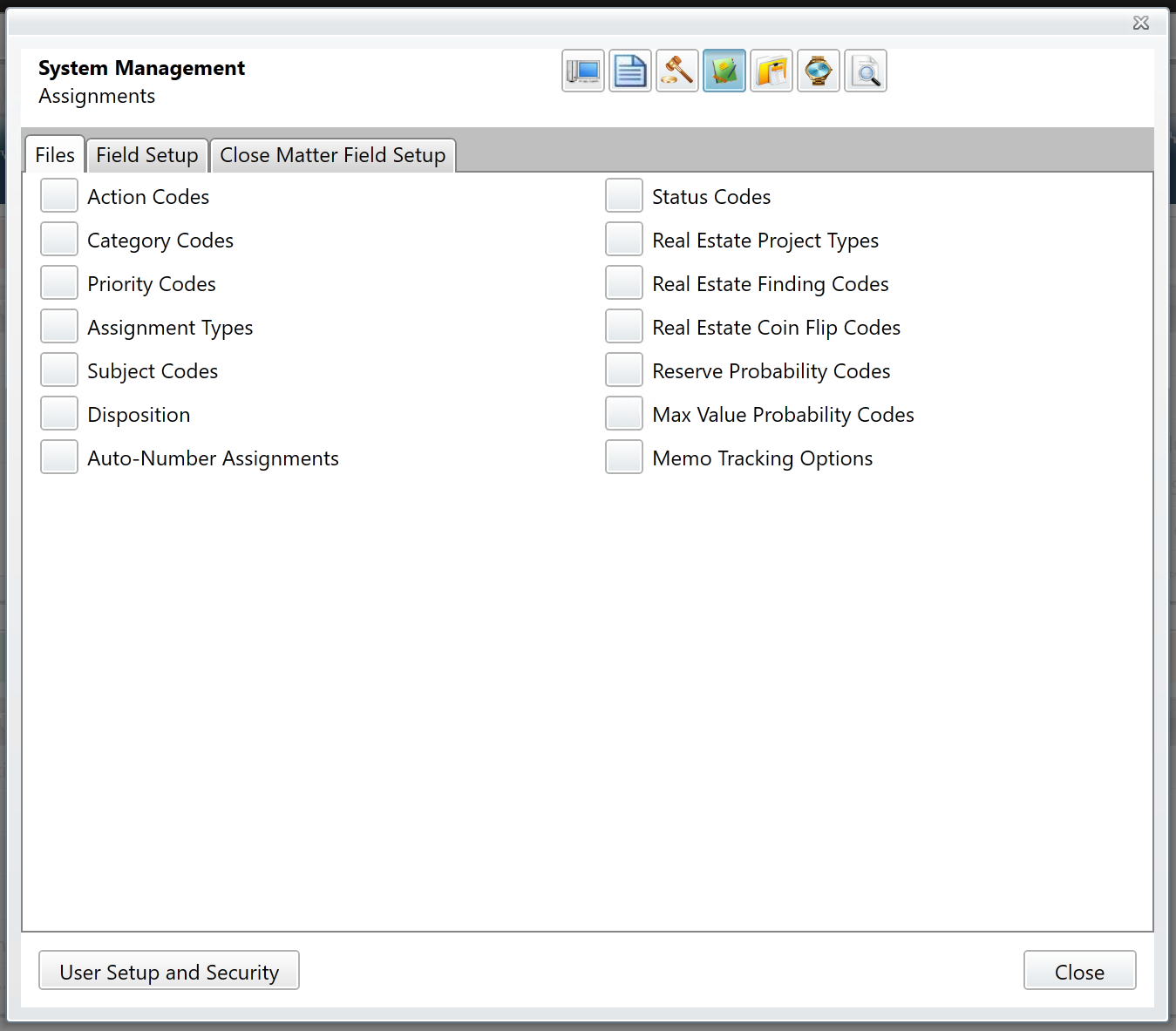
Files tab
Code maintenance for the Assignments module is performed on the Files tab. What follows are the uses and definitions of the Assignment codes.
Action
Action codes describe what is to be done with the assignment (E.g. Review, Advise, Draft, etc.).
Category
Category codes describe the assignment itself (e.g. Contract, Agreement, Ordinance, Resolution, Real Estate, etc.).
Important: Assignment reports make use of assignment categories. When creating Category codes, take the reporting needs of your office into consideration.
Disposition
Disposition codes describe the outcome of the assignment (e.g. Completed, Canceled, etc.).
Priority
Examples of Priority codes are "1", "2", "3", "High", "Medium", "Low", etc.
Status
Status codes describe the lifecycle of the assignment (e.g. Open, Closed).
Type
Assignment Type codes subdivide Assignment Category codes. For example, if a "Contracts" category exists, it might have "Construction", "Professional Service", and "Employment" types.
Comments
0 comments
Please sign in to leave a comment.