
Field Setup tab
Required fields for a Claim are configured on the Field Setup tab of the Claims section in the System Management module. Configuring required fields requires an Administrator password.
Navigating to the Field Setup tab
Open the System Management  module.
The System Management window will appear.

Modules whose codes and settings can be changed in System Management appear in the toolbar along the top of the window. Global System is selected by default.
Press the Claims  button to view the codes and settings particular to Claims, then select the Field Setup tab.
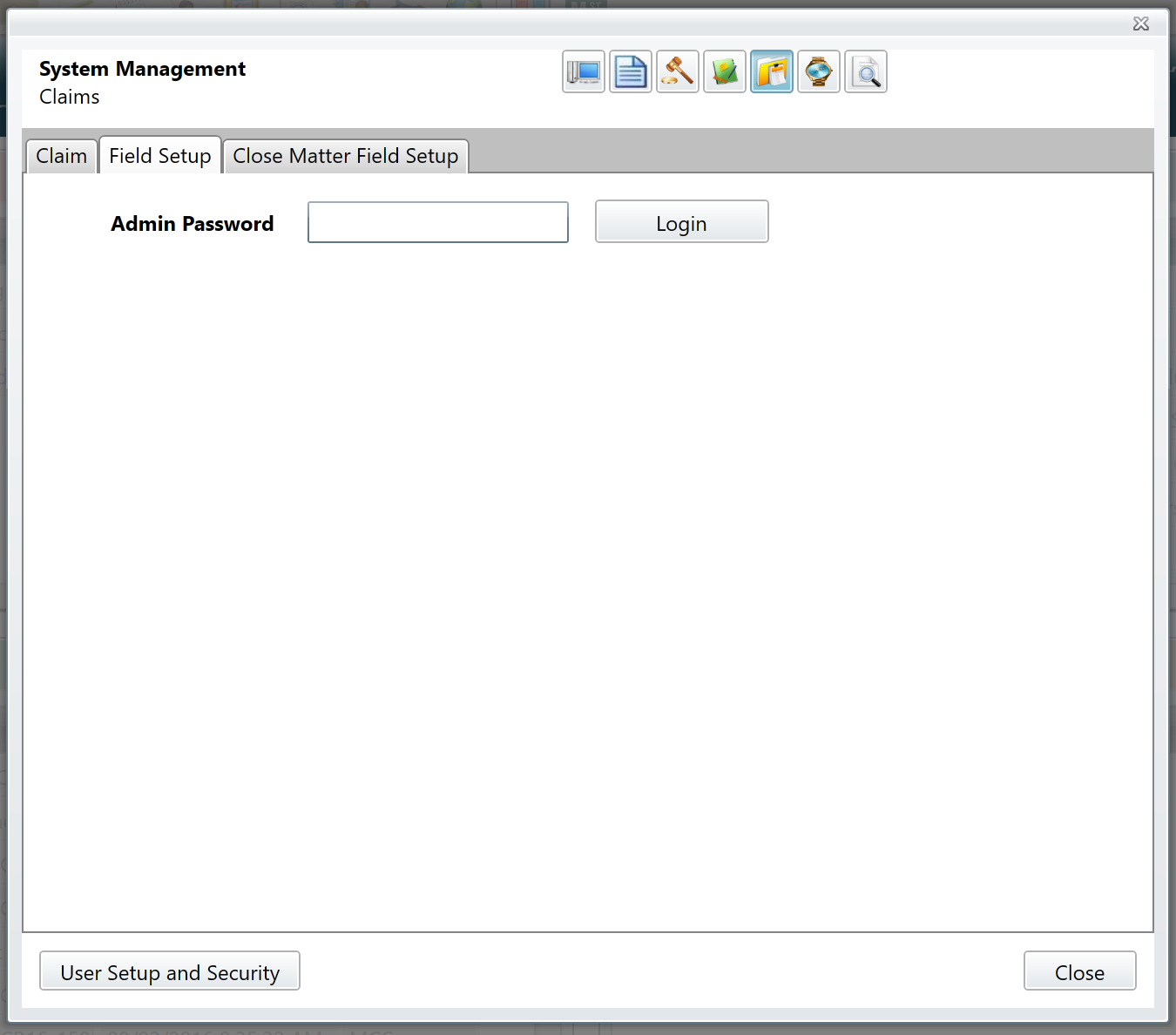
Enter your Administrator password to continue.
Configuring required fields
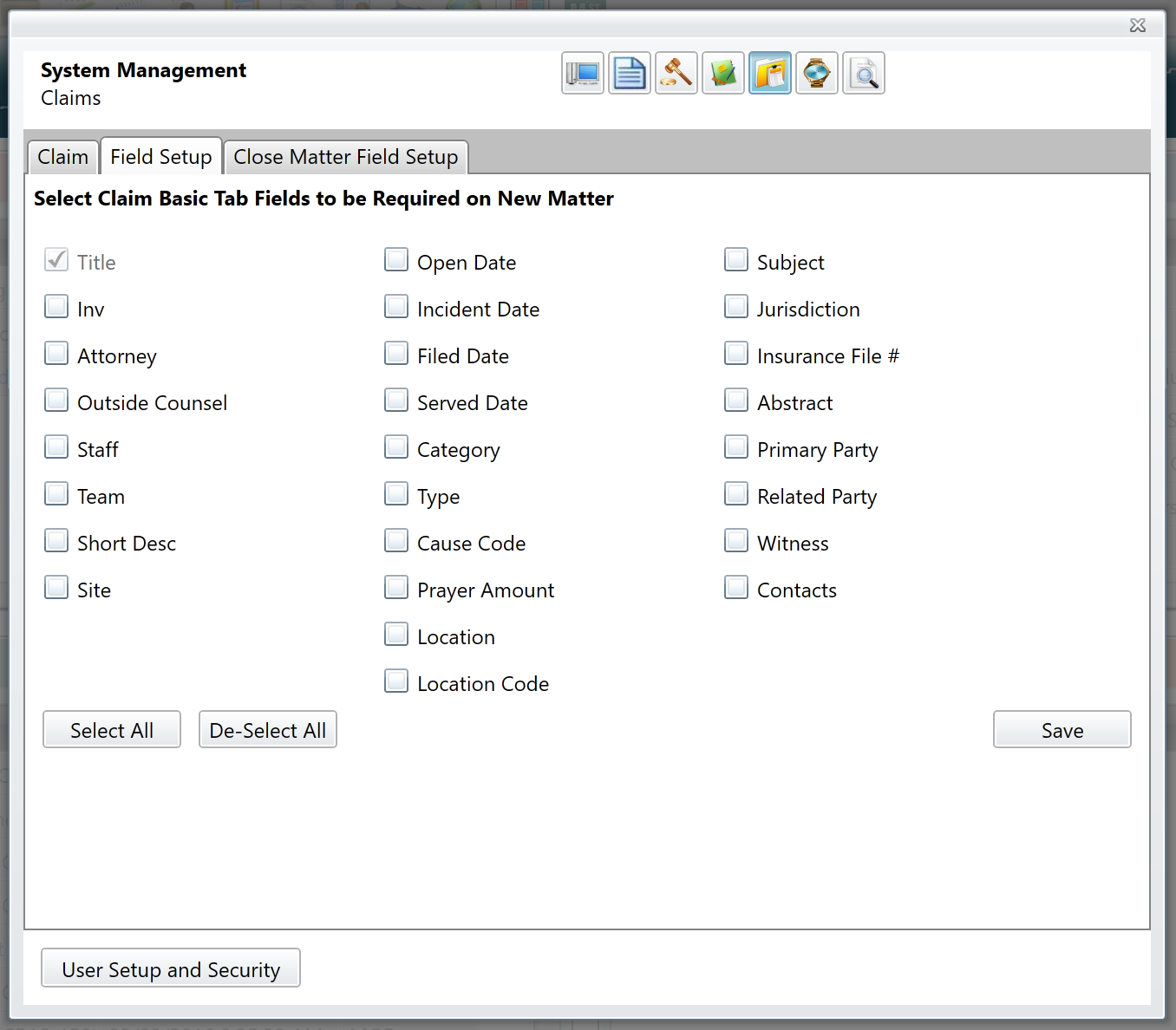
Marking the checkbox next to a field name will designate that field as required. When a matter is opened, all required fields must have a value before it can be saved.
Comments
0 comments
Please sign in to leave a comment.