
Open the System Management  module.
The System Management window will appear.

Modules whose codes and settings can be changed in System Management appear in the toolbar along the top of the window. Global System is selected by default. Press the Documents  button to view the codes and settings particular to document management.
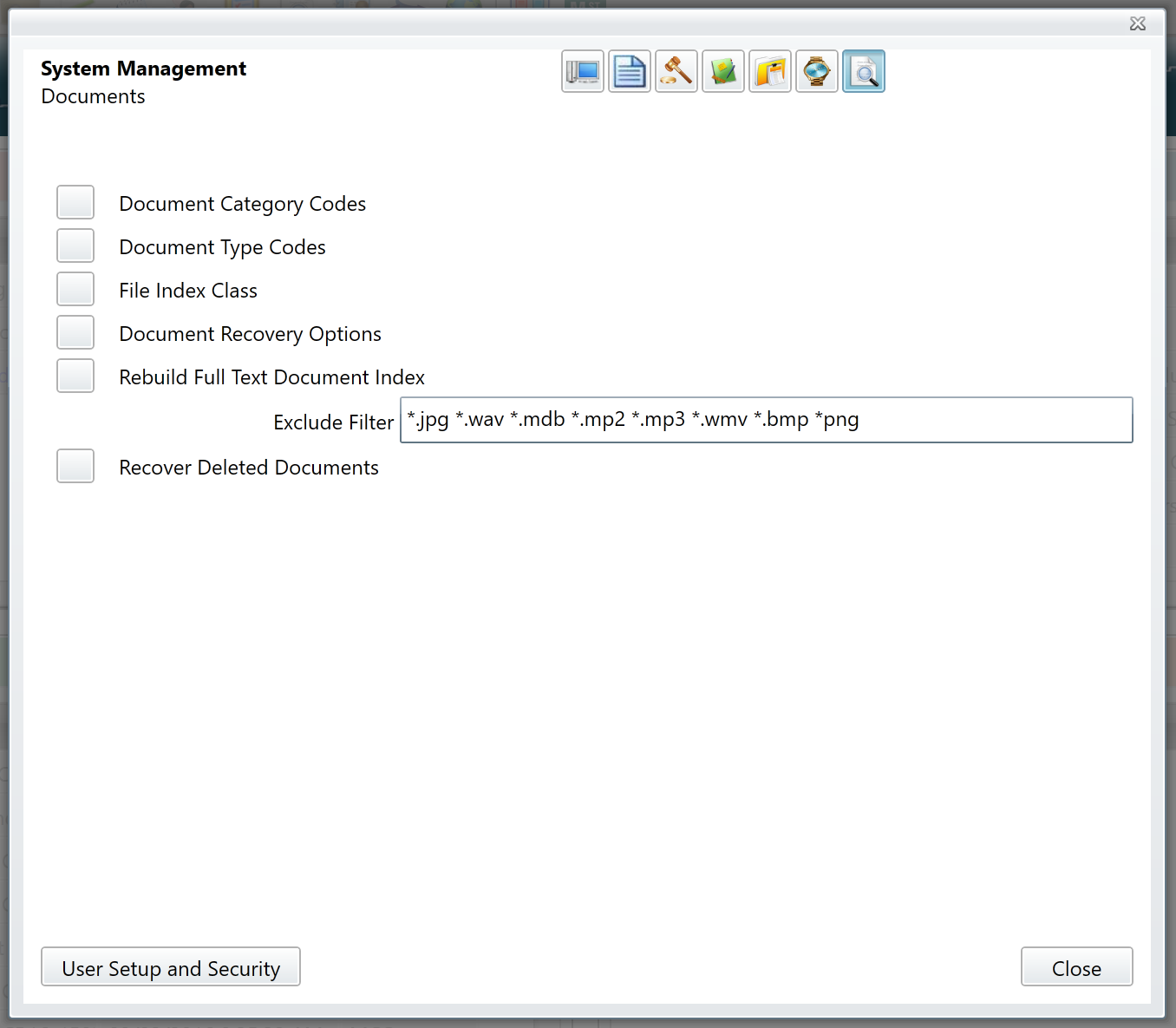
Document Category
These codes describe the most general document groups (e.g. Letter, Pleading, Memo, Email, etc.).
Document Type
These codes describe the state or characteristics of the document (e.g. Draft, Final, Scanned, etc.).
Comments
0 comments
Please sign in to leave a comment.