
To open the System Management  module, select its icon from the the Global Toolbar. (Note that the modules which are visible to you in the Global Toolbar will vary depending on your security settings and whether the module is installed for your organization.)

The System Management window will appear.
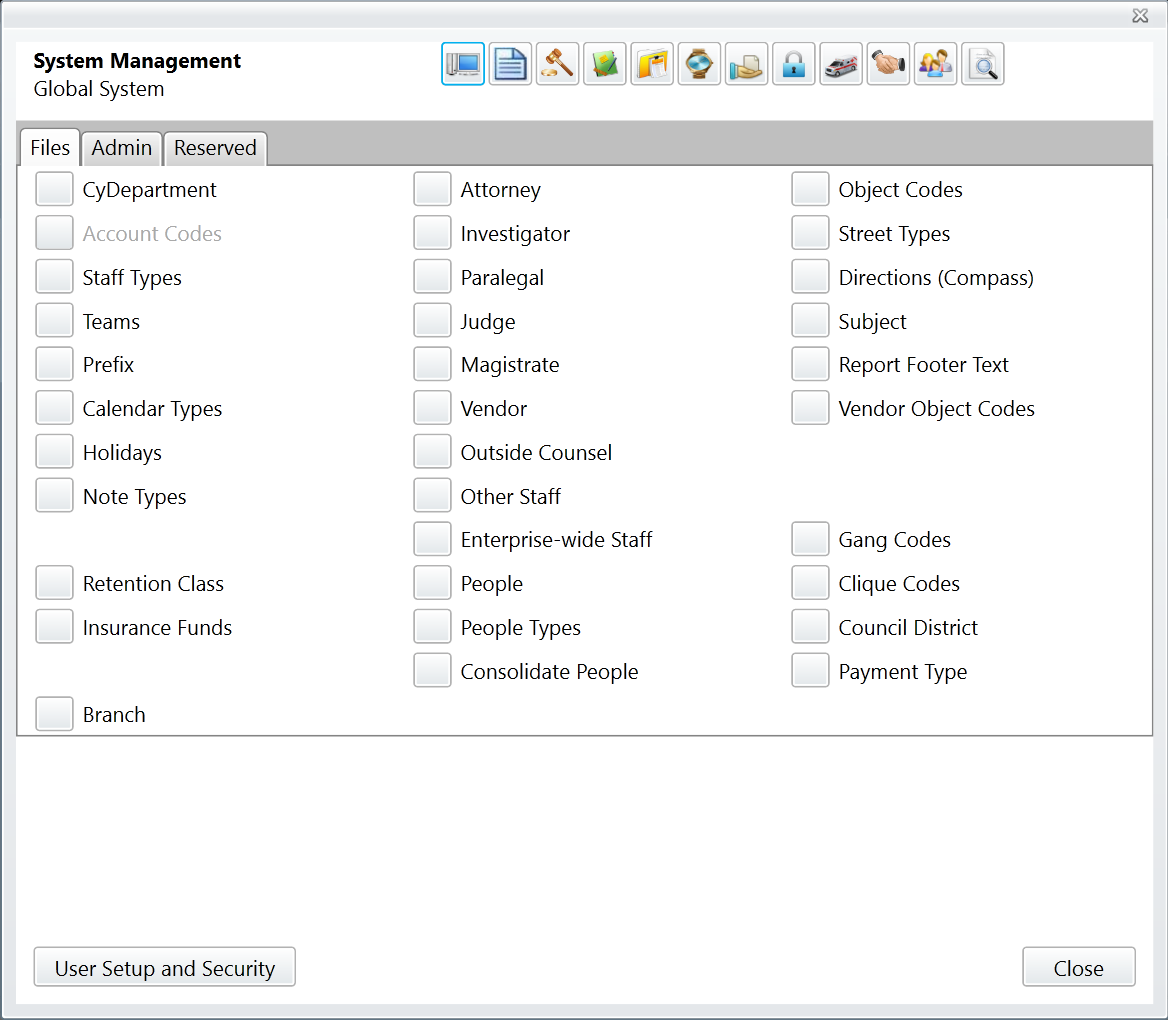
Modules whose codes and settings can be changed in System Management appear in the toolbar along the top of the window. Global System is selected by default. The codes and settings in the Global System section of System Management apply to CityLaw/CountyLaw as a whole.
Note that the codes and settings which are visible to you in System Management depend on the configuration and security settings of your installation.
Comments
0 comments
Please sign in to leave a comment.