
Field Setup tab
Required fields for a Prosecution matter are configured on the Field Setup tab of the Prosecution section in the System Management module. Configuring required fields requires an Administrator password.
Navigating to the Field Setup tab
Open the System Management module and select the Prosecution  page.
page.
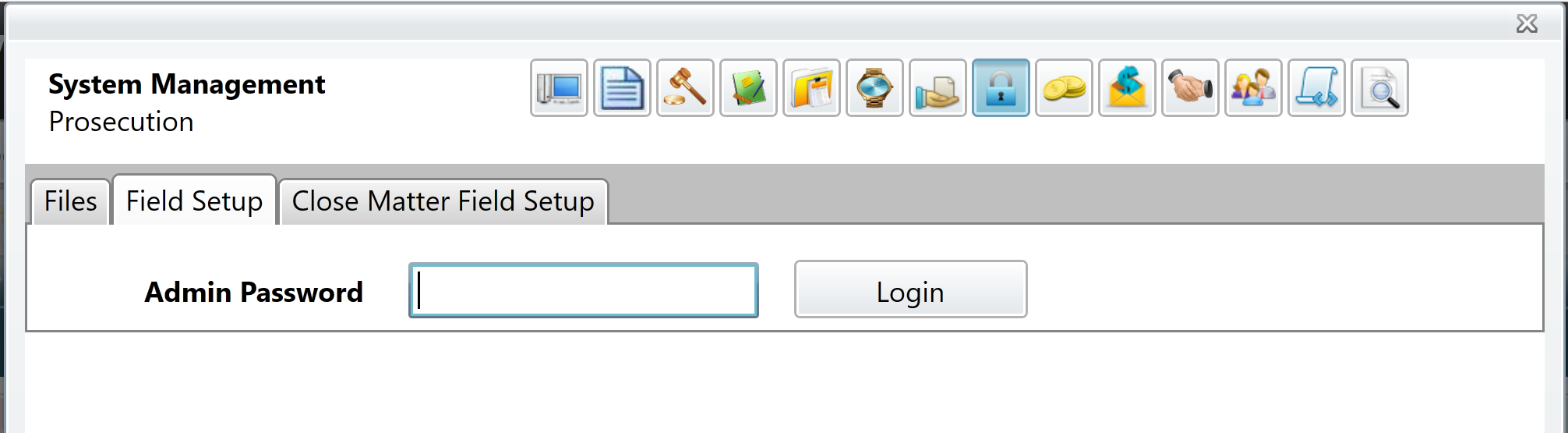
Select the Field Setup tab and enter your Administrator Password to continue.
Configuring required fields
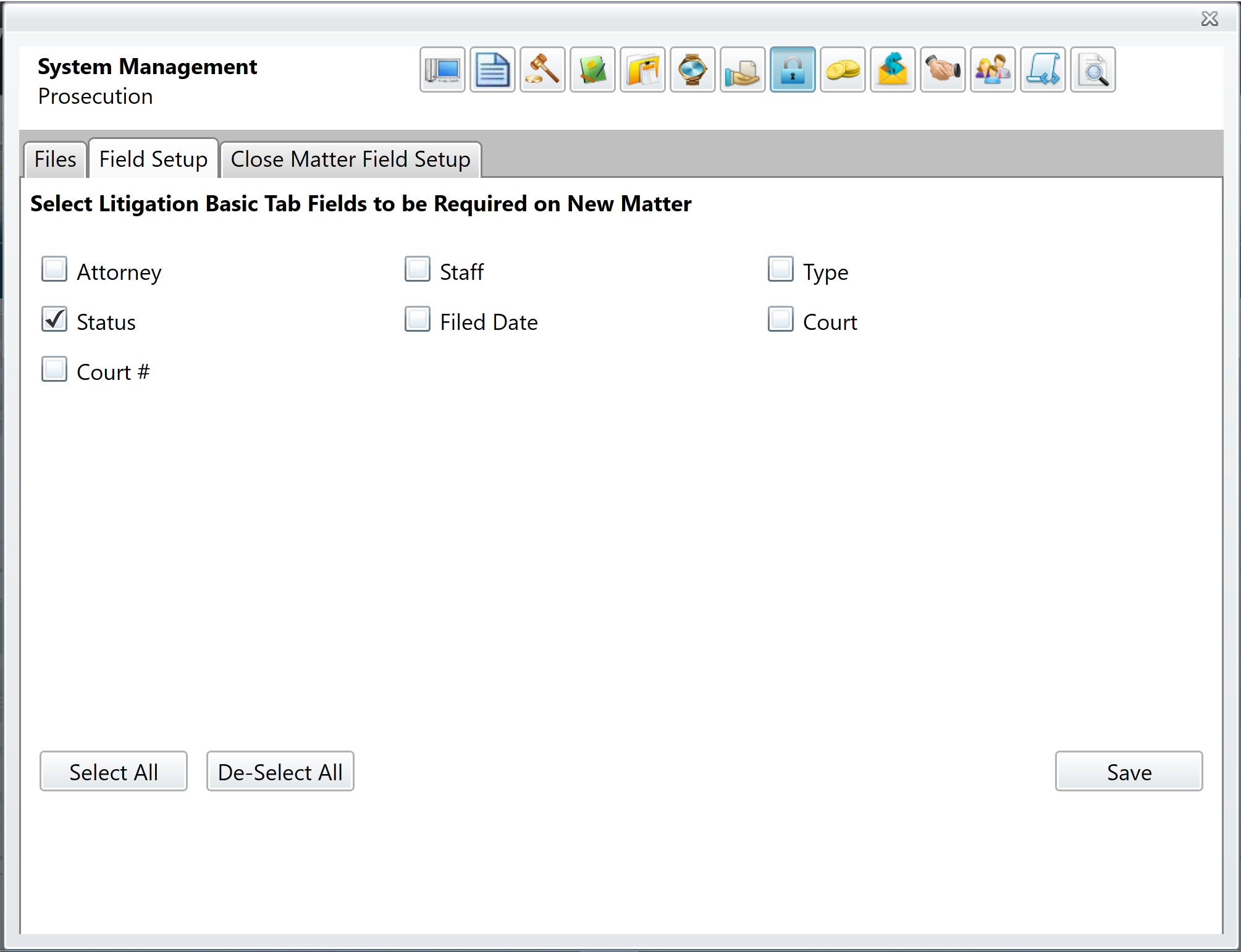
Marking the checkbox next to a field name will designate that field as required. When a matter is opened, all required fields must have a value before it can be saved.
Comments
0 comments
Please sign in to leave a comment.